

Explanation Of The Basic Functions Of The Automatic Control Panel Of Diesel Generator Sets, Suitable For Beginners To Understand The Control Panel, Experienced Technicians Can Skip This.
Sep 21, 2026
Leave a message

Explanation of the basic functions of the automatic control panel of diesel generator sets, suitable for beginners to understand the control panel, experienced technicians can skip this.
Introduction: Some beginners can't understand the buttons and indicator lights on a diesel generator control panel at all; they only know simple start and stop operations, ignore the screen's alarm prompts, and eventually allow small issues to turn into major repairs. Today, we will explain the three core functions of the automatic control panel in plain language, so even beginners can quickly learn to understand the panel.
Ⅰ. Real-time Data Monitoring: The basic function of the unit's 'dashboard' control screen is to synchronize all operating parameters of the engine and generator in real time, without the need for additional instrument measurements.
1. Electrical Generation Parameters: Three-phase voltage, current, frequency, power, power factor to determine whether the output power meets the standard; the screen displays 400V, 50Hz as normal generation status.
2. Engine Mechanical Parameters: Engine oil pressure, coolant temperature, battery voltage, fuel level, cumulative operating hours. If the oil pressure is too low or the water temperature spikes, the screen will directly pop up a warning.
3. Mains Power Status Display: For units equipped with ATS cabinets, the screen distinguishes between normal/ power outage from the mains, automatically switching to unit power supply.
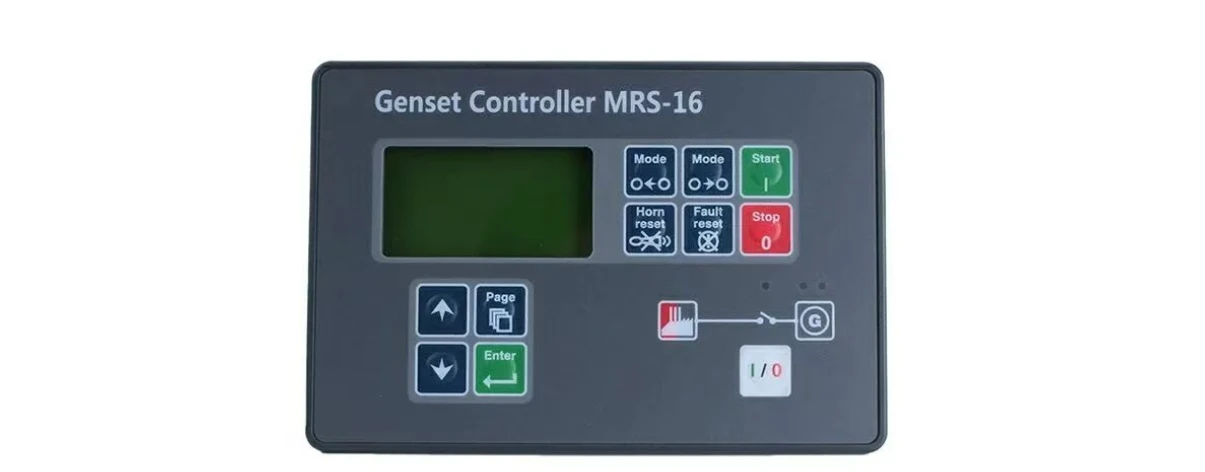
Ⅱ. Operation Control Modes, One-Button Switching
The screen has three built-in modes: Manual, Automatic, and Maintenance, suitable for different usage scenarios:
1. Manual Mode (Daily Maintenance) – Start, stop, and close power manually. Used for new machine testing, fault repair, and regular no-load maintenance. All start and stop actions require manual confirmation.
2. Automatic Mode (Standard for Backup Units) – First choice for backup units in properties, hospitals, and warehouses. The controller monitors the mains power in real time. Once the power goes out, the unit starts automatically after a short delay; when mains power is restored, it automatically switches back to mains power, delays shutdown for cooling, and no manual monitoring is required throughout.
3. Test Mode – Specially for idle backup units for regular trial runs. It does not connect to external loads and only runs the machine under no-load conditions for maintenance.
Basic panel buttons: Start button, Stop/Reset button, Mode Switch button; long press the Reset button to clear fault alarms.
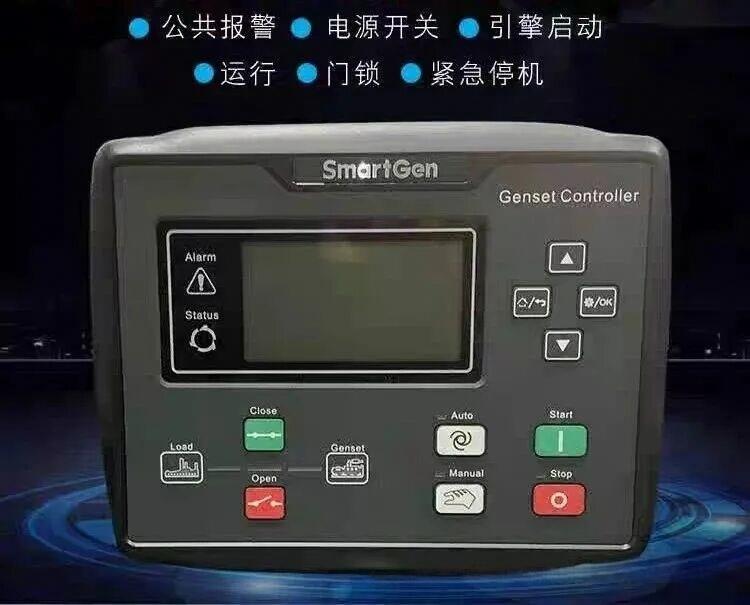
Ⅲ. Fault Automatic Protection:
The "Safety Guard" of the Unit. This is the most critical value of the automatic panel. When an anomaly occurs, it does not wait for the machine to be damaged before shutting down; it provides real-time alarms and enforces shutdown to protect the engine. Common protection and alarm functions:
1. Engine faults: high water temperature, low oil pressure, overspeed, failure to start after three attempts (lockout);
2. Generator electrical faults: overvoltage/undervoltage, abnormal frequency, three-phase loss;
3. Auxiliary alarms: low battery, insufficient fuel.
After a fault is triggered, the screen displays the fault code in red, the alarm light flashes continuously, and the system automatically unloads the load and idles the engine to prevent major damage such as piston seizure or winding burnout. After maintenance is completed, pressing the reset button clears the alarm.
Simple operation tips for beginners:
1. As long as the alarm light is on during operation, immediately stop the machine and check the fault message on the screen; do not operate it forcefully with a fault.
2. Regularly inspect and check the screen's running hours to plan filter and oil maintenance cycles based on the hours.
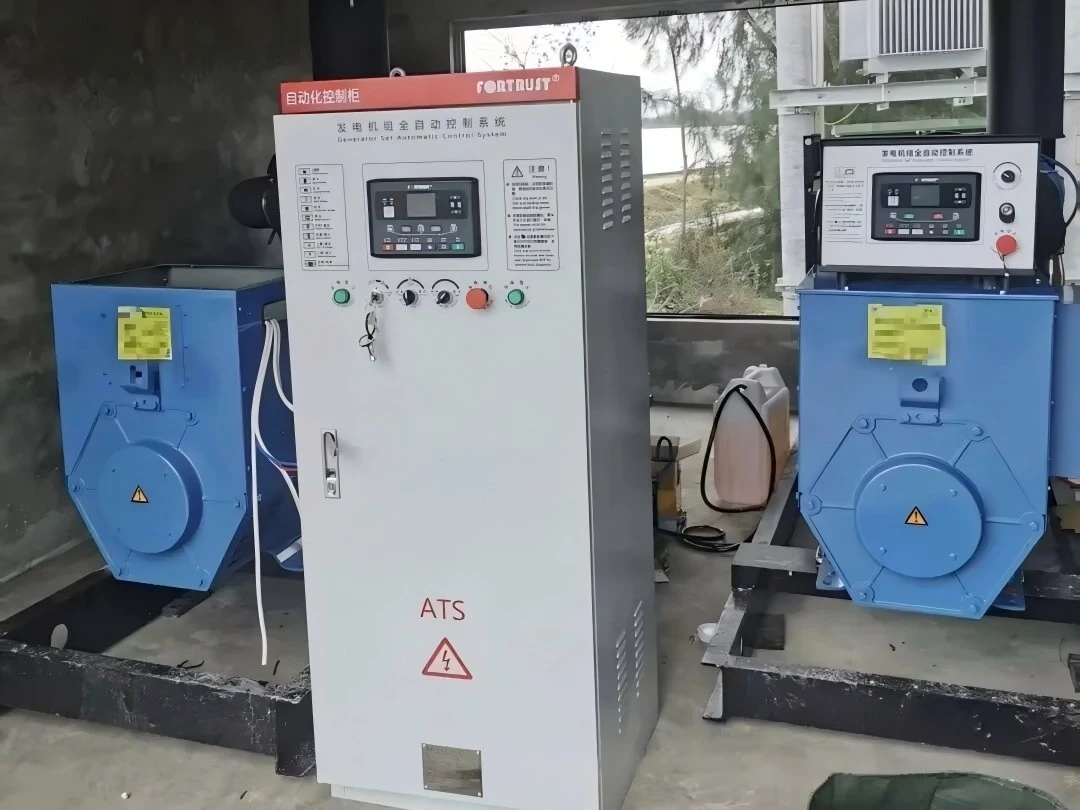
The control panel is the brain of the entire unit. Understanding the three main functions of basic monitoring, control, and protection can help prevent 80% of unit failures in advance and significantly reduce maintenance costs.
At the end of the article: the unit alarm code interpretation and ATS automatic transfer setting tutorial are continuously updated. Follow to stay on track, and if you have any unit operation questions, you can leave a message in the background for consultation.